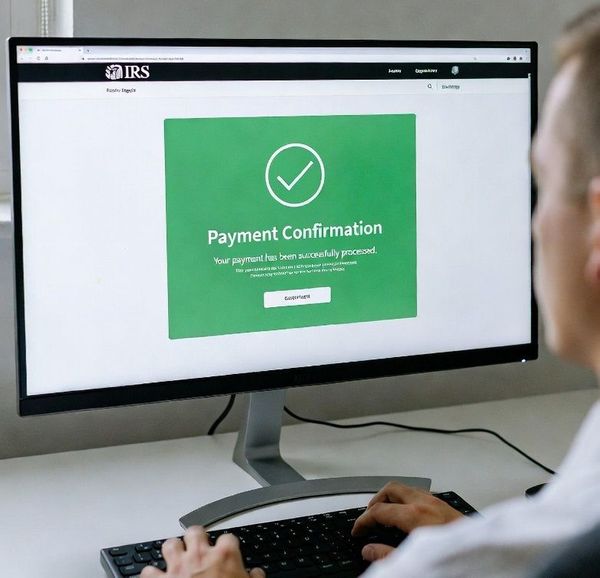
Online Tax Payments
Online payements options are secure, fast and provide immediate confirmation of payment which helps reduce the risk of delays, lost checks or posting errors. To make Online Federal and State of Illinois payments online follow the instructions below:
Federal Tax Payment - IRS:
The most common (and free of fees) is paying from your checking or savings account with IRS Direct Pay.
IRS Direct Pay:
- Visit: https://www.irs.gov/payments/direct-pay
- Under Personal tax payments, click “Pay individual tax”, click “Make a payment”.
- Select:
- Reason for Payment: Balance Due, Estimated Tax, or Extension (as applicable)
- Apply Payment To: Form 1040
- Tax Period: Select the correct tax year
- Verify your identity using prior‑year tax information (you cand find this on the two-year comparison provided with your current year tax return)
- Enter your bank information and payment amount
- Submit the payment and print the confirmation. If you can’t print the confirmation, write down the confirmation number. (For estimated payments, include your printed confirmation with your tax records for tax preparation.)
Illinois tax payment - idor:
Illinois individual income tax payments are made through MyTax Illinois.
MayTax Illinois Online Payment:
- Visit: https://mytax.illinois.gov
- Under Individuals, select “Make an Individual Income Tax Payment”
- Enter your Social Security number and additional required fields, click Next
- Choose the correct payment type from the drop down;
- 1040 Estimated Payment – Estimated tax
- 1040 Payment – Balance due on return
- 1040 505-I Payment – Extension payment
- Select the correct tax year (and quarter if estimated tax payment)
- Pay using your checking or savings account
- Submit the payment and print the confirmation. If you can’t print the confirmation, write down the confirmation number. (For estimated payments, include your printed confirmation with your tax records for tax preparation.)
|
Helpful Reminders:
|
|